KoeJLPT — Voice-First JLPT Preparation App
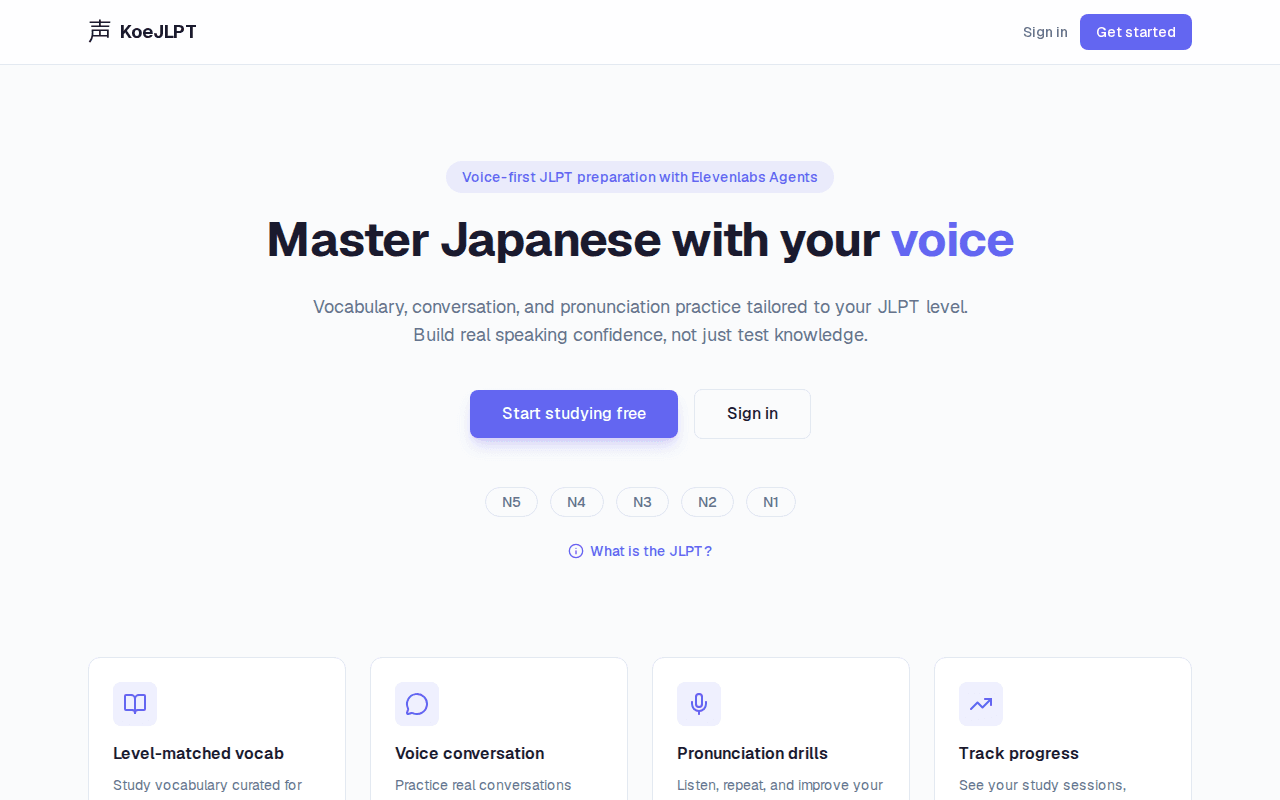
The KoeJLPT landing page with level selection
Most JLPT prep apps are glorified flashcard decks — KoeJLPT builds real speaking and listening fluency through AI voice conversations and automatic pronunciation grading, closing the gap between study and actual use.
KoeJLPT takes a voice-first approach to Japanese language study. Most JLPT prep apps focus on reading and multiple choice — KoeJLPT prioritizes speaking and listening, the skills that matter most for real communication.
The centerpiece is Fumi, an AI conversation partner powered by ElevenLabs WebRTC. Fumi speaks exclusively in Japanese at a pace appropriate to the learner's JLPT level, creating an immersive practice environment. Pronunciation is automatically graded using Google Cloud Speech-to-Text, with three distinct practice modes for different skill focuses.
Level-based vocabulary study covers all JLPT levels from N5 (beginner) through N1 (advanced), with native audio playback, save functionality for building personal study lists, and a persistent streak system to encourage daily practice.
Key Features
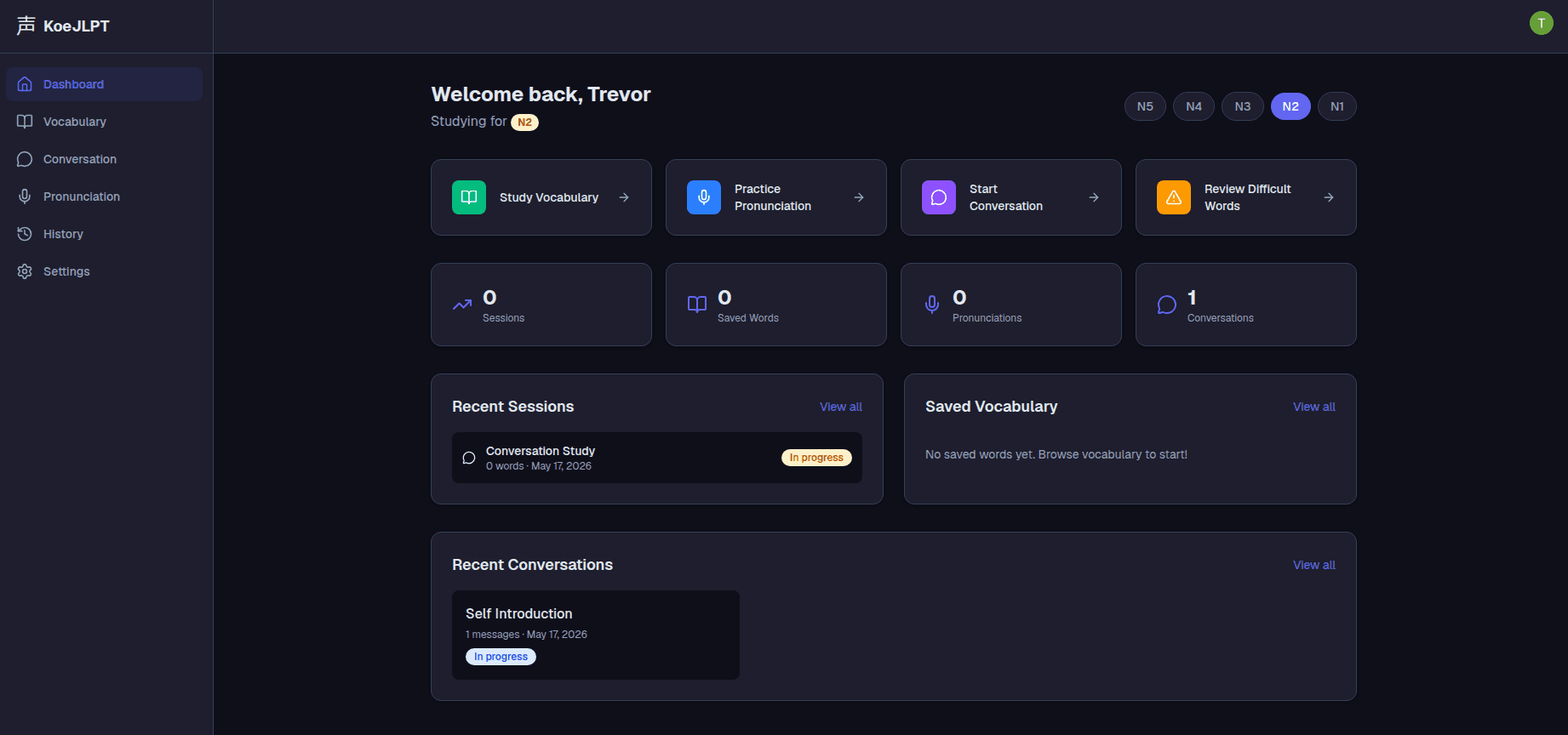
Study Dashboard
A personalized dashboard with JLPT level selector (N5-N1), quick-launch cards for Vocabulary, Pronunciation, Conversation, and Difficult Words review, plus activity stats and recent sessions at a glance.
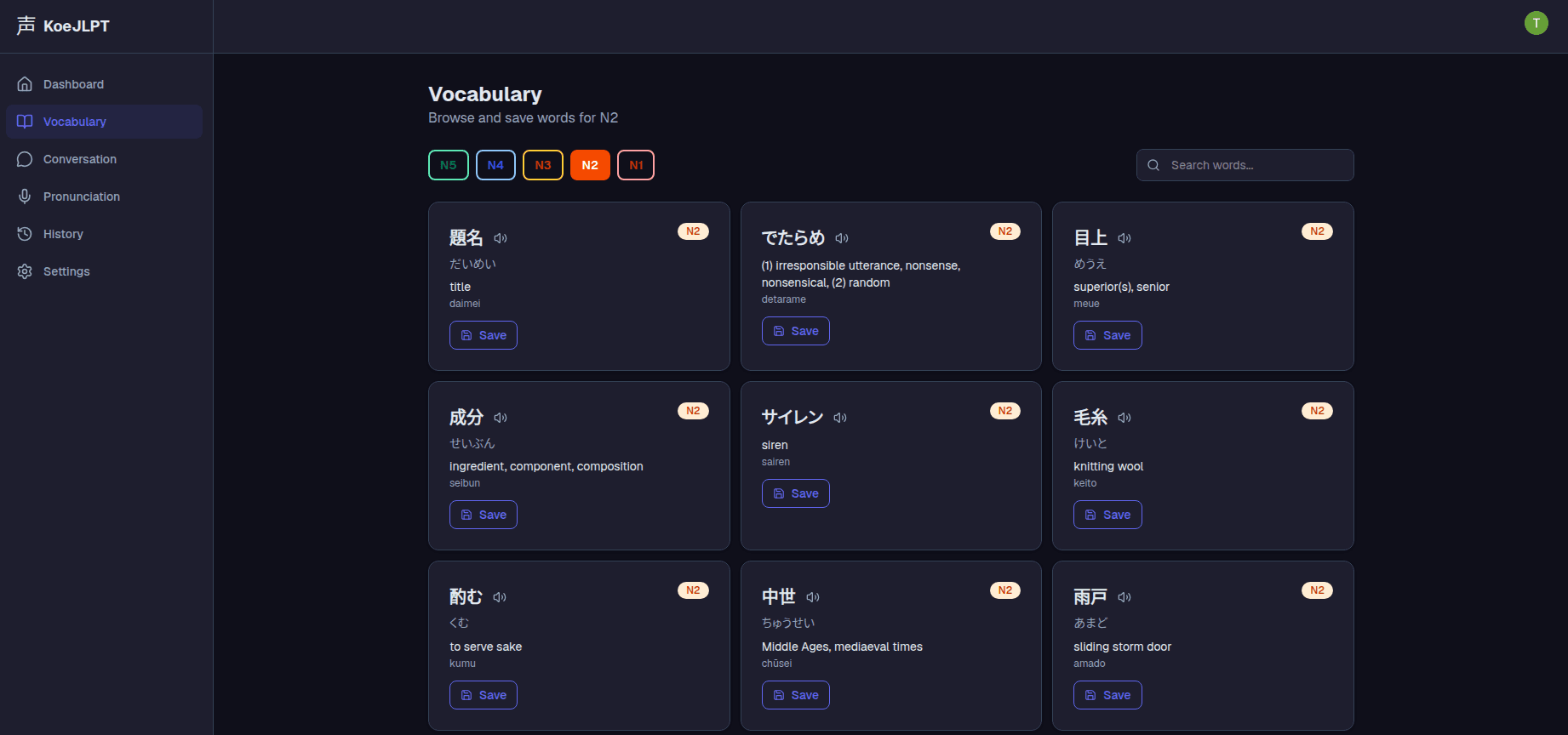
Level-Based Vocabulary
Browse and save vocabulary by JLPT level, sourced from a dedicated JLPT vocabulary API. Each card shows kanji, hiragana reading, romaji, English meaning, and native audio playback via ElevenLabs Text-to-Speech — with a save button to build personal study lists.
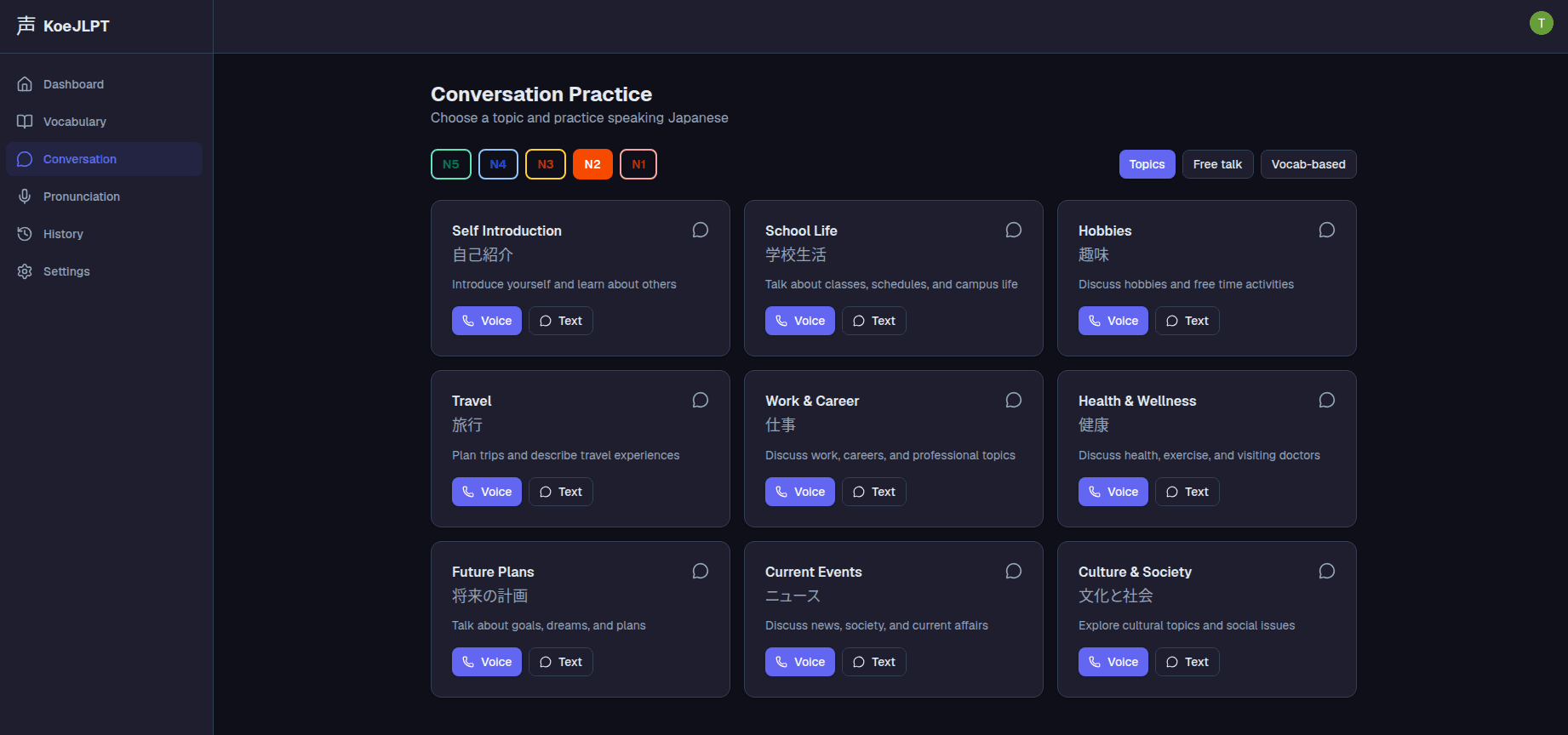
Conversation Practice
Topic-based conversation practice powered by ElevenLabs Conversational AI with real-time WebRTC streaming. Nine topics — Self Introduction, School Life, Hobbies, Travel, Work & Career, and more — each with Voice and Text modes, Japanese labels, and JLPT level filtering. Includes Topics, Free Talk, and Vocab-based conversation modes.
Pronunciation Practice
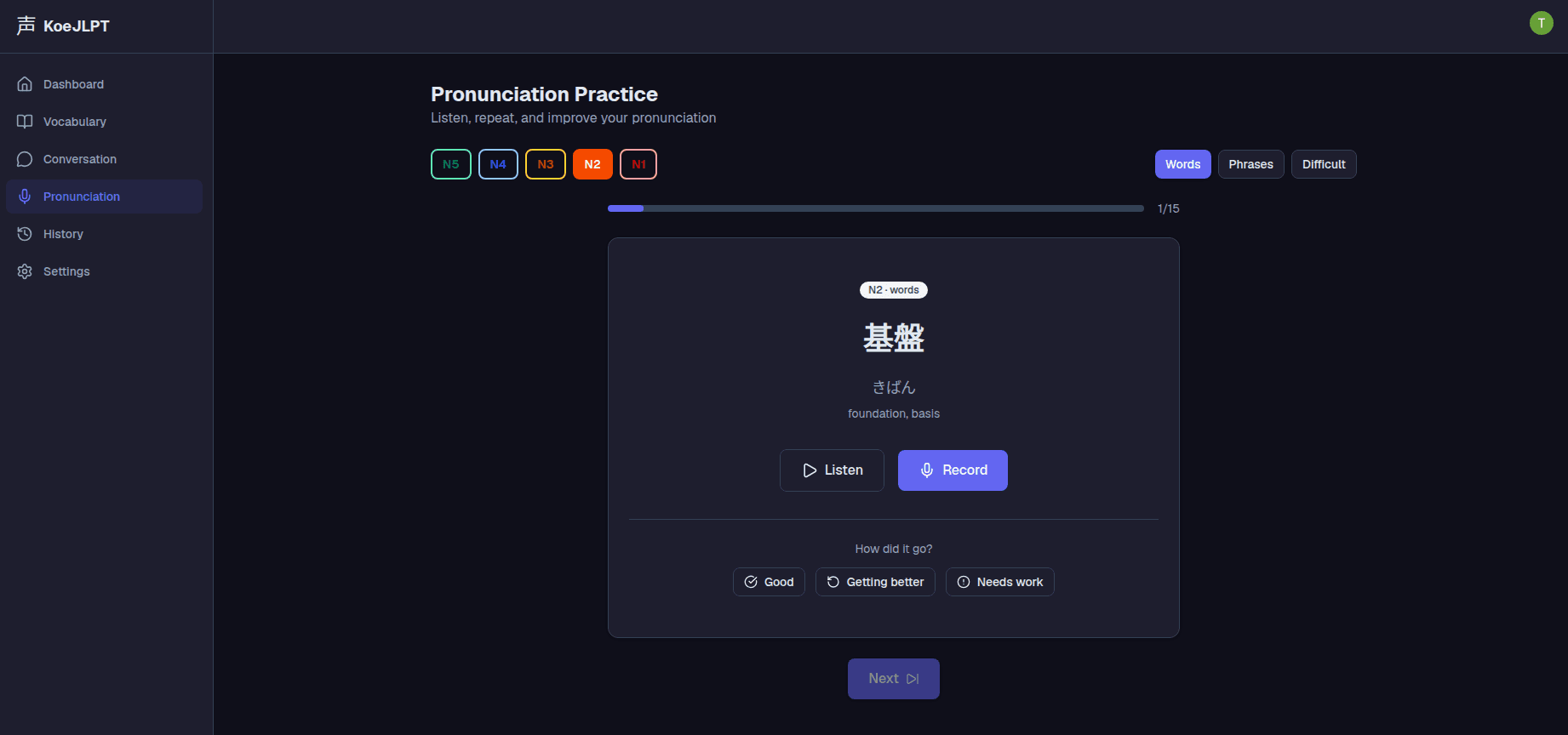
Listen to native audio via ElevenLabs TTS, record your own pronunciation, and get automatic grading via Google Cloud Speech-to-Text — transcriptions are compared using character-level Levenshtein distance to produce a 0–100 accuracy score. Three practice modes — Words, Phrases, and Difficult — with progress tracking across 15-word sets per level.
Study Streak Tracking
Persistent daily streak tracking encourages consistent study habits, with visual progress indicators and streak recovery mechanics.
Screenshots